

AI-powered presentation tools have exploded in popularity, and Gamma has quickly become a go-to platform for creating sleek, AI-generated decks and documents. But it’s not perfect—and that’s why many users are searching for a reliable Gamma Alternatives. According to a 2025 report by Statista, the global productivity software market is expected to surpass $100 billion by 2027, driven largely by AI-powered tools. Meanwhile, Gartner (2024) reports that over 60% of business content will be AI-assisted by 2026, highlighting how critical these tools have become.
If Gamma feels limiting—whether due to pricing, design control, or collaboration features—you’re not alone. In this guide, we’ll explore the best Gamma substitutes and alternates to help you create presentations, documents, and storytelling content faster and better.
What Is Gamma and Why Look for Alternatives?
Gamma is an all-in-one AI content creation platform with presentation generation, document creation, web-style pages, automation tools, and integrations for creators, marketers, and businesses. It combines AI-powered writing, smart layouts, interactive design, and content generation in a single interface for individuals and small to midsize teams.
However, as usage grows, many teams report hitting issues such as usage-based limitations, unpredictable scaling costs, or needing to upgrade just to unlock advanced design features or higher-quality outputs. Others outgrow Gamma’s flexibility, need more granular customization controls, or want better real-time collaboration and broader integrations within one tool.
What Is the Best Gamma Alternative in 2026?
The best Gamma alternatives in 2026 include Canva, Tome, Beautiful.ai, Pitch, Notion AI, Prezi, Microsoft PowerPoint (Copilot), Visme, Decktopus, and Simplified, each focusing on different needs like AI-powered presentation creation, advanced design customization, team collaboration, storytelling formats, or all-in-one content and productivity workflows.
Best Gamma Alternatives Tools in 2026


1. Tome
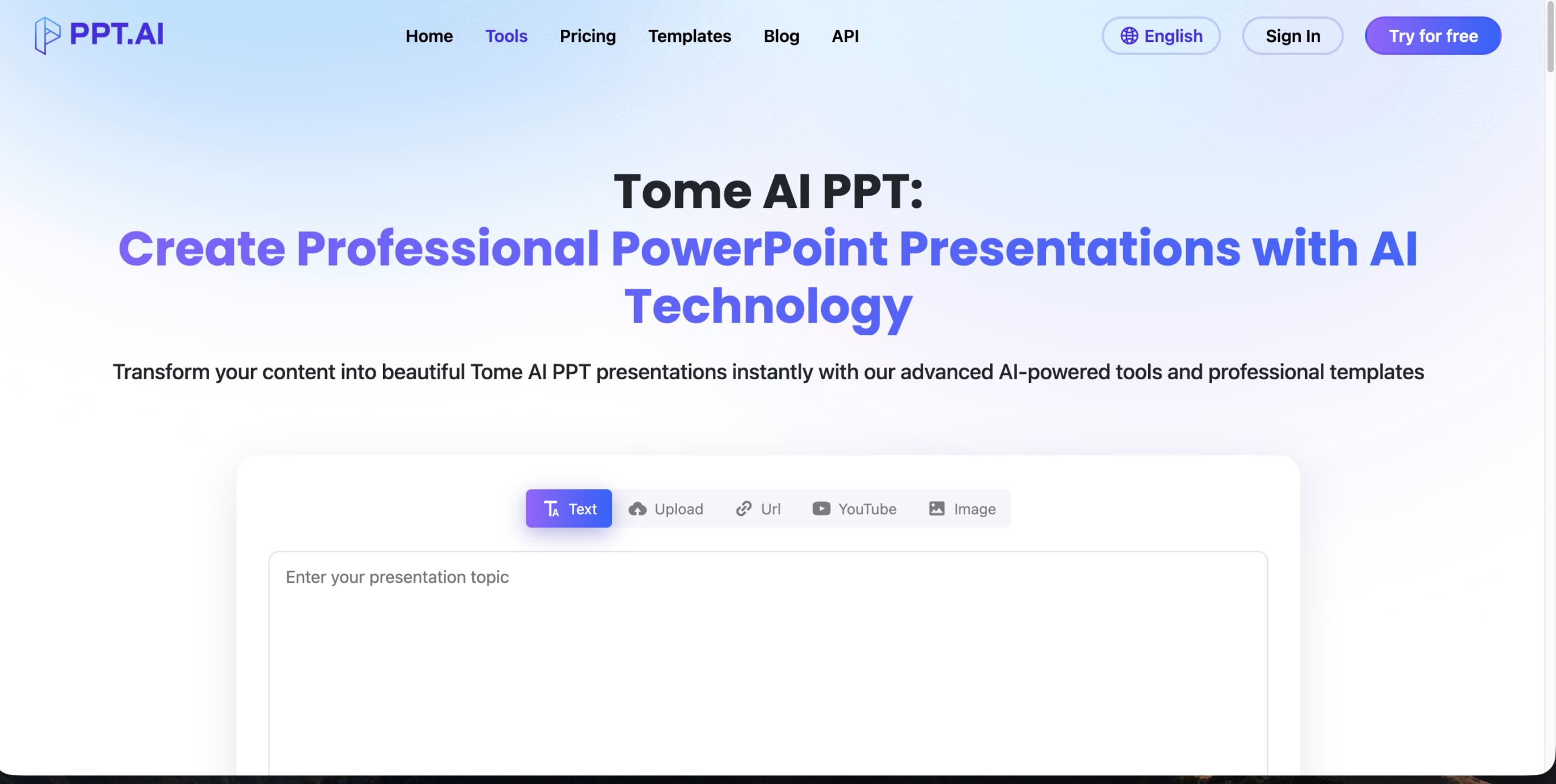
An AI-first storytelling tool that creates scrollable, narrative-style presentations instead of traditional slides.
Ideal for founders and creators who want visually engaging, web-based content experiences.
Features:
- AI slide generation
- Interactive storytelling format
- Media embedding
- Highly visual storytelling .
- Easy to use.
- Great for pitch decks
- Limited export options
- Less control over layouts.
Pricing: Free + Paid plans
Best For: Startups, storytellers
2. Beautiful.ai
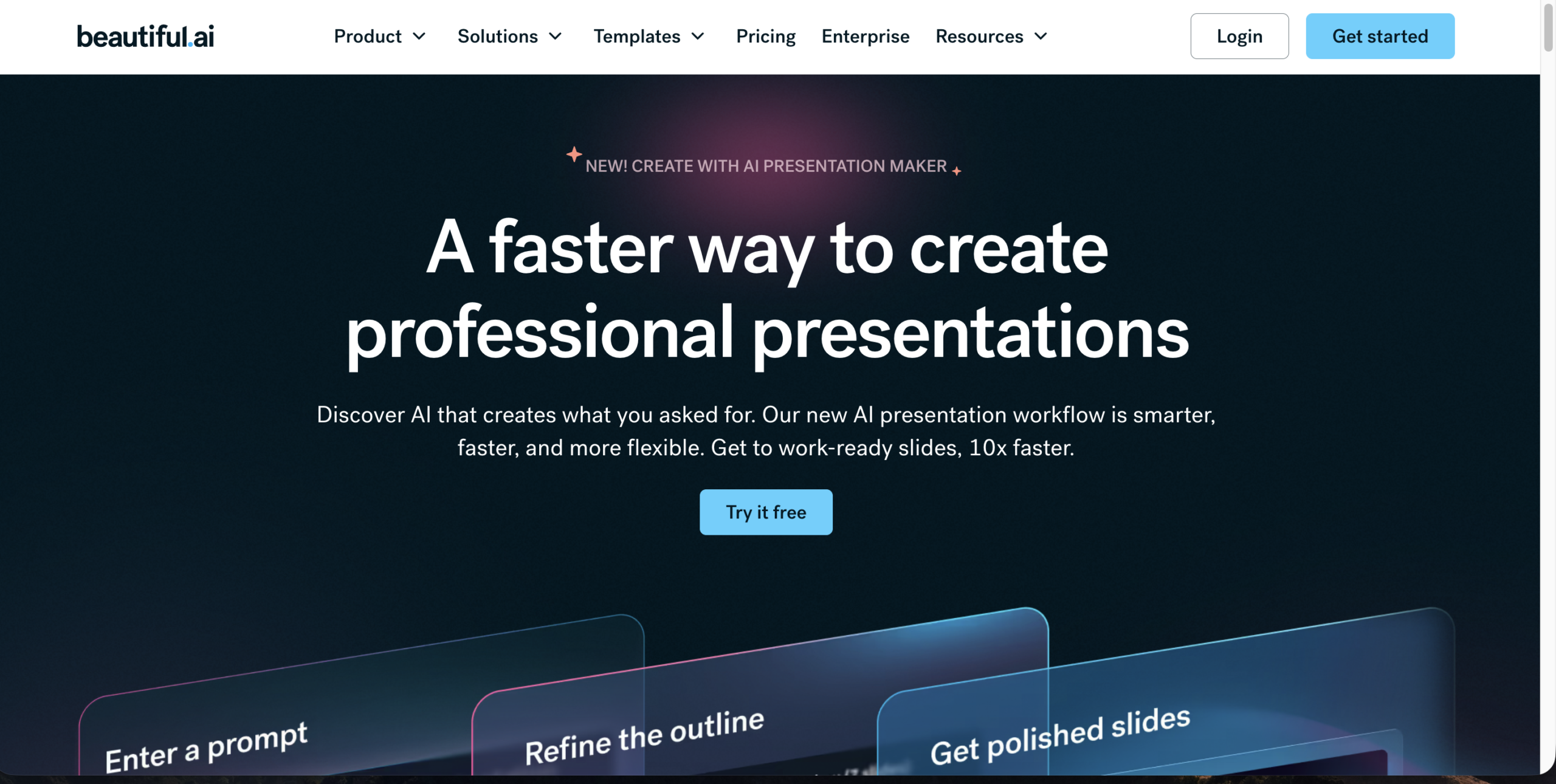
A smart presentation tool that automatically applies design rules to keep slides clean and professional. Best for teams who want polished presentations without manual formatting effort.
Features:
- Smart slide templates
- AI layout adjustments
- Team collaboration
- Professional designs .
- Saves time.
- Consistent formatting
- Limited creative freedom
- Paid plans required.
Pricing: Starts ~$12/month
Best For: Business presentations
3. Canva
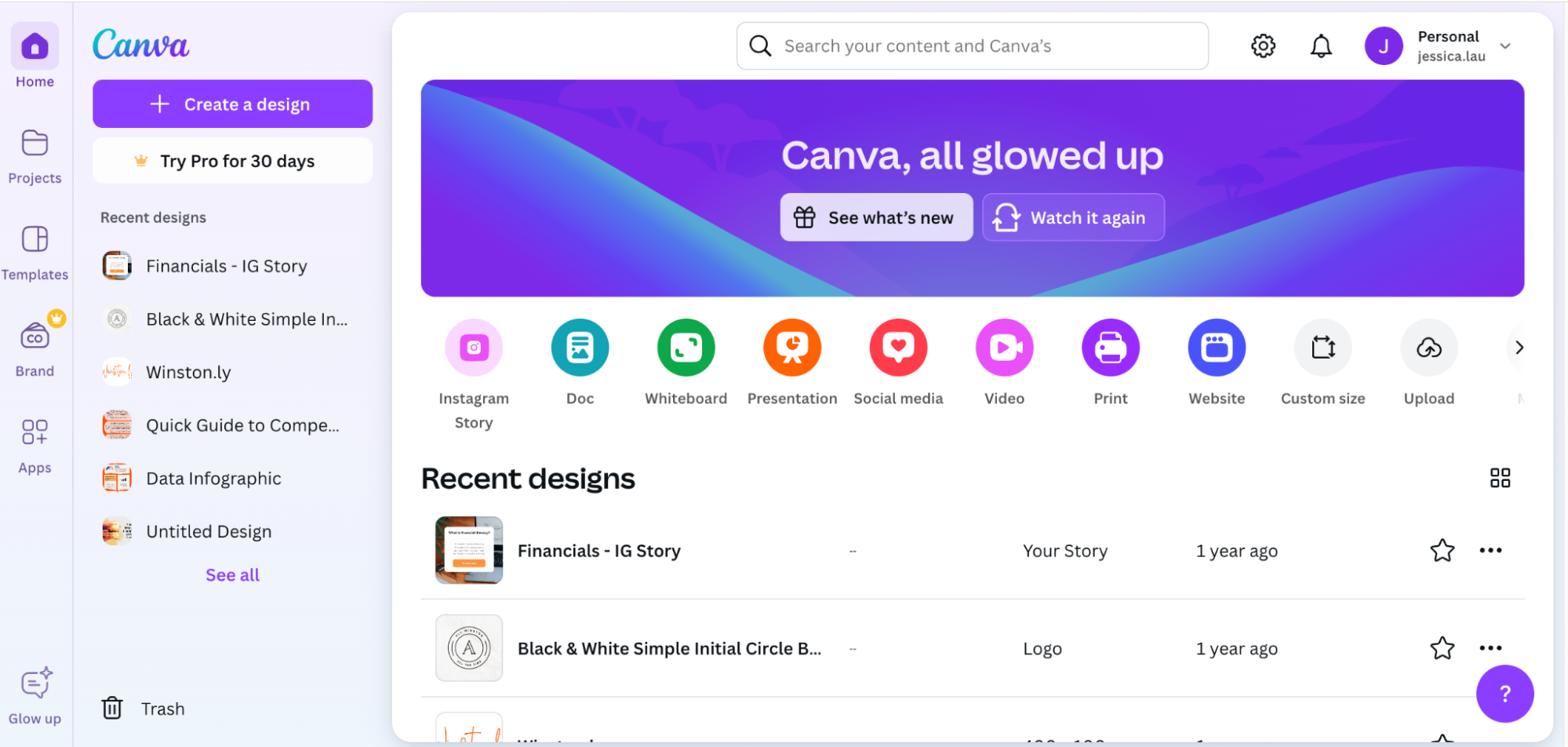
A versatile design platform with AI-powered presentation features and thousands of ready-made templates.Perfect for beginners and marketers who need flexibility across design, content, and visuals.
Features:
- Drag-and-drop editor
- AI content generator
- Thousands of templates
- Beginner-friendly .
- Highly customizable
- Huge asset libraryg
- AI features still evolving
- Can feel cluttered.
Pricing: Free + Pro
Best For: Marketers, freelancers
4. Notion AI
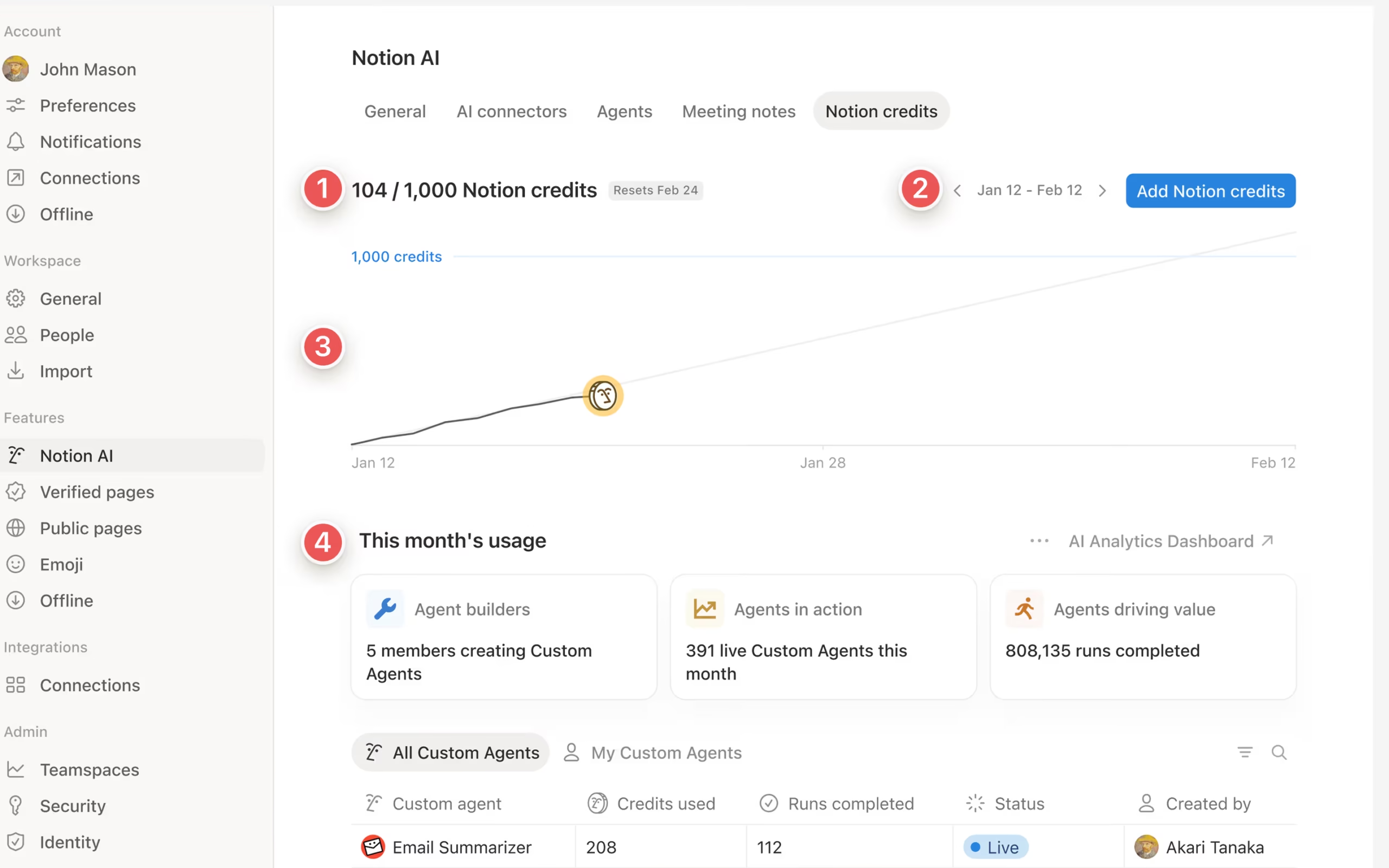
An AI-powered workspace that combines docs, notes, and collaboration in one platform. Great for teams managing content, ideas, and lightweight presentations in a unified system.
Features:
- AI writing assistant
- Document creation
- Collaboration tools
- Flexible workspace .
- Great for teams
- Strong integrations
- Not presentation-focused
- Learning curve
Pricing: Free + Paid
Best For: Teams, productivity
5. Pitch
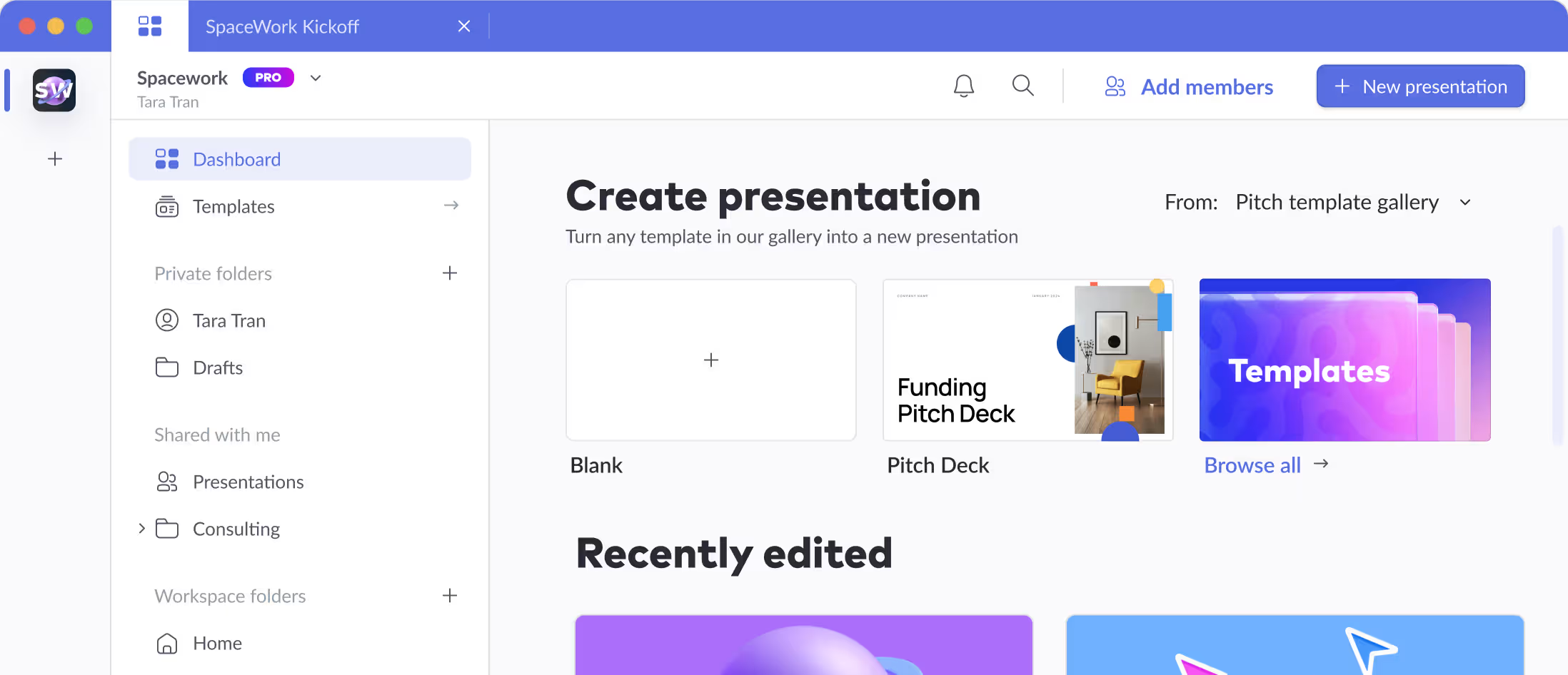
A modern presentation tool built for teams with strong real-time collaboration and workflow features. Best suited for startups and sales teams needing fast, collaborative deck creation.
Features:
- Real-time collaboration
- Analytics
- Templates
- Fast collaboration .
- Clean UI
- Startup-friendly
- Limited AI features
- Requires internet
Pricing: Free + Paid
Best For: Teams, startups
Comparison Table
| Tool | AI Features | Customization | Best For | Pricing |
| Gamma | High | Medium | Storytelling | Paid |
| Tome | High | Medium | Startups | Free+ |
| Canva | Medium | High | Creators | Free+ |
| Beautiful.ai | High | Low | Business | Paid |
| Notion AI | Medium | High | Teams | Free+ |
| PowerPoint AI | High | High | Enterprise | Paid |
How to Choose the Right Gamma Alternatives
Define Use Cases & Content Needs
Decide whether you only need basic presentation creation or also require AI-generated slides, design customization, collaboration tools, or interactive storytelling features.
Content creators might prioritize visuals and storytelling tools, while businesses and teams may focus on collaboration, branding, integrations, and workflow efficiency.
Understand Pricing Models & Usage Limits
Gamma and some competitors use feature-based or usage-based pricing (e.g., AI credits, export limits, or premium templates) that can make monthly costs unpredictable.
If you want better cost control, look for alternatives with fixed monthly plans, generous feature access, or clear usage tiers to avoid unexpected limitations.
Common Mistakes & Myths
| Myth | Reality |
| Gamma can fully replace traditional presentation tools | Gamma is great for quick, AI-generated presentations, but it lacks advanced features like detailed animations, deep customization, and complex slide control found in tools like PowerPoint. |
| AI-generated presentations are always ready to use | Gamma speeds up content creation, but the output often needs editing for accuracy, tone, and branding to make it truly professional.. |
| Gamma offers complete design flexibility | While Gamma creates clean and modern layouts, customization is limited compared to drag-and-drop tools, making it harder to create highly unique designs. |
Localized & “Near Me” Considerations
Most Gamma alternatives are cloud-based and work globally, so “near me” typically refers to performance, collaboration speed, and support availability rather than physical location. When considering local factors, focus on:
- Regional servers or CDN infrastructure (e.g., US, EU, or Asia) for faster loading and smoother collaboration.
- Support availability that matches your time zone, along with multilingual customer support if needed.
- Compliance with regional regulations such as GDPR or other data privacy standards for business use.
You can also choose a Gamma alternative that aligns with your region’s collaboration needs, branding standards, and data security requirements—especially for team-based or client-facing presentations.
Conclusion & Next Steps
Gamma is a powerful tool for creating AI-driven presentations and documents quickly, but its limitations in customization, collaboration depth, and pricing flexibility can make it less ideal as your needs scale. In 2026, there are plenty of alternatives—from beginner-friendly design platforms to advanced, team-focused presentation tools—each catering to different workflows, budgets, and creative control requirements.
Use the comparison tables, feature breakdowns, and selection criteria above to shortlist the best Gamma Alternatives for your needs. Then explore your preferred tools in detail, compare their plans, and start testing the one that fits your workflow best.
FAQ Section
1. What is the best Gamma alternatives?
Canva and Tome are among the best Gamma alternatives due to their flexibility and AI features.
2. Is there a free Gamma substitute?
Yes, Canva and Google Slides offer free plans with strong functionality.
3. Which Gamma alternate is best for teams?
Pitch and Notion AI are great for collaboration and team workflows.
4. Are Gamma alternatives better?
It depends—some offer better customization, others better AI.
5. Can I use these tools for business presentations?
Absolutely. Tools like Beautiful.ai and PowerPoint are designed for professional use.
6. Do Gamma substitutes support AI?
Yes, most modern tools now include AI features for content creation.
